How to receive SMS replies in your app: incoming SMS webhooks explained
Receive incoming SMS in your app with a webhook: event payloads, HMAC signature verification in Node.js and Python, retries, deduplication and YES/NO reply flows.
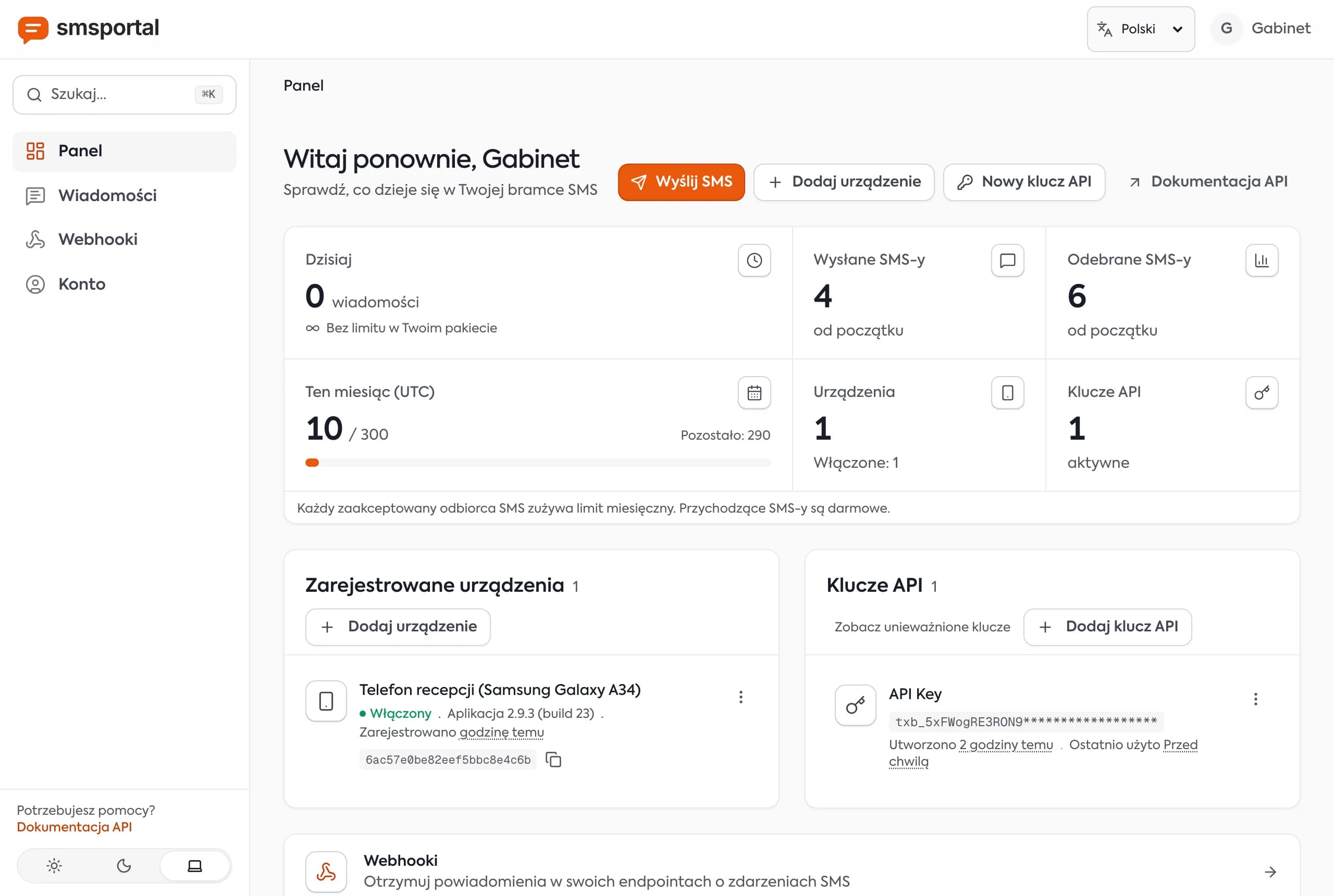
Sending a text is half of a conversation. The other half is the reply: "YES", "cancel", "call me". The simplest way to get replies into your own code is an SMS webhook: the gateway calls your URL as soon as the phone receives a message. This guide shows how to set it up, what the payload looks like, how to verify the HMAC signature in Node.js and Python, and how to handle retries, duplicates and two-way flows like a customer answering YES.
What is an SMS webhook and how does it work?
An SMS webhook is a URL in your application that the SMS service calls with an HTTP POST when a message event happens. You parse the JSON, act on it and return a 2xx status. There is no polling loop.
The path of an incoming message:
- A customer replies to your normal number.
- The smsportal app on the phone receives the SMS and passes it to the server, unless one of your inbound filters excludes it.
- The server creates a
MESSAGE_RECEIVEDevent and POSTs it to your URL. - Your code verifies the signature, stores the message and reacts.
Four events are available:
| Event | When it fires |
|---|---|
MESSAGE_RECEIVED | The phone received an SMS from a customer |
MESSAGE_SENT | The phone handed your message to the carrier |
MESSAGE_DELIVERED | The carrier confirmed delivery |
MESSAGE_FAILED | Sending failed |
If you have not sent a message through the API yet, start with SMS API without Twilio and come back.
How do you create a webhook in the dashboard?
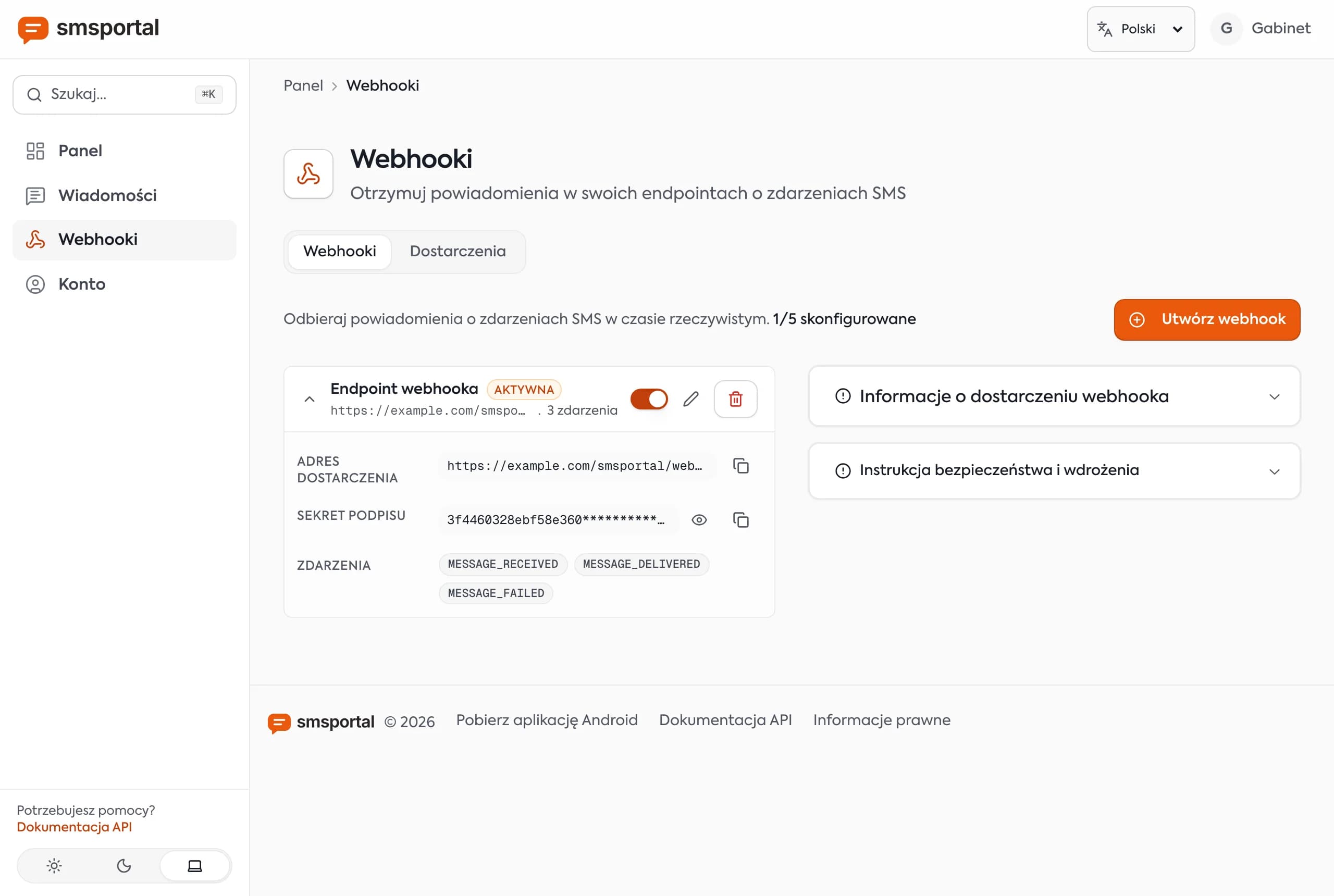
Open Webhooks in the dashboard and create a subscription. Enter an HTTPS URL, choose the events and set a signing secret (at least 20 characters). Store the secret in an environment variable on your server, as you would an API key.
Two details catch people out:
- Local addresses are rejected.
localhostand private-network IPs fail validation. Use ngrok or Cloudflare Tunnel while developing. - The number of webhooks is limited. One URL can receive several events, so subscribe one endpoint to everything you need instead of creating many.
Tip: subscribe to
MESSAGE_RECEIVEDfirst. Add the status events once receiving works.
What does an incoming SMS event look like?
Each event has common fields plus fields specific to its type. MESSAGE_RECEIVED adds the sender and the receive time.
{
  "smsId": "6720f1c2a9b3d4e5f6a7b8c9",
  "message": "YES",
  "deviceId": "671fe0b1a2c3d4e5f6a7b8c0",
  "webhookSubscriptionId": "6720e9d8c7b6a5f4e3d2c1b0",
  "webhookEvent": "MESSAGE_RECEIVED",
  "idempotencyKey": "b1c7a1de-5c1f-4d64-9a35-0d6d1a7a5c11",
  "sender": "+15555550123",
  "receivedAt": "2026-10-07T08:15:02.000Z"
}
The common fields are smsId, message, deviceId, webhookSubscriptionId, webhookEvent and idempotencyKey. The status events add:
MESSAGE_SENT:smsBatchId,status,recipient,sentAtMESSAGE_DELIVERED: the same fields plusdeliveredAtMESSAGE_FAILED:smsBatchId,status,recipient,errorCode,errorMessage,failedAt
How do you verify the X-Signature header?
Every delivery includes X-Signature, the hex HMAC-SHA256 of the JSON request body, keyed with your webhook's signing secret. Recompute the HMAC over the raw body and compare in constant time. Without this check, anyone who guesses your URL can inject fake replies.
Three rules save hours of debugging:
- Hash the raw request bytes, not a re-serialized JSON object (key order or whitespace changes would alter the hash).
- Use a constant-time comparison, not
==. - On a mismatch, return
401and process nothing.
Node.js (Express, raw body)
import express from "express";
import crypto from "node:crypto";

const app = express();
const SECRET = process.env.SMSPORTAL_WEBHOOK_SECRET;

// express.raw keeps the raw body as a Buffer
app.post("/sms-webhook", express.raw({ type: "application/json" }), (req, res) => {
  const expected = crypto.createHmac("sha256", SECRET).update(req.body).digest("hex");
  const received = req.get("X-Signature") ?? "";

  const a = Buffer.from(expected);
  const b = Buffer.from(received);
  if (a.length !== b.length || !crypto.timingSafeEqual(a, b)) {
    return res.sendStatus(401);
  }

  const event = JSON.parse(req.body.toString("utf8"));
  console.log(event.webhookEvent, event.sender, event.message);
  res.sendStatus(200);
});

app.listen(3000);
Do not mount express.json() before this route. It would turn the body into an object and you would lose the original bytes.
Python (Flask)
import hashlib
import hmac
import os

from flask import Flask, abort, request

app = Flask(__name__)
SECRET = os.environ["SMSPORTAL_WEBHOOK_SECRET"].encode()


@app.post("/sms-webhook")
def sms_webhook():
    raw = request.get_data()  # raw bytes
    expected = hmac.new(SECRET, raw, hashlib.sha256).hexdigest()
    received = request.headers.get("X-Signature", "")

    if not hmac.compare_digest(expected.encode(), received.encode()):
        abort(401)

    event = request.get_json()
    print(event["webhookEvent"], event.get("sender"), event["message"])
    return "", 200
In FastAPI, read raw = await request.body() and run the identical HMAC and hmac.compare_digest check.
How do retries and duplicate events work?
If your endpoint does not return a 2xx status, smsportal retries. Network errors, timeouts and 5xx responses are retried with growing delays, from minutes to days, for up to 10 attempts. A 4xx response is treated as a problem on your side, and delivery is abandoned after the third attempt. Waiting time for a response is limited, so answer fast: queue the event, return 200 and do the heavy work afterwards.
The side effect of retries is that the same event can arrive twice. Each event has a stable idempotencyKey, so deduplicate on it:
// Redis: SET with NX succeeds only the first time
const first = await redis.set(`sms:${event.idempotencyKey}`, "1", "EX", 60 * 60 * 24 * 7, "NX");
if (!first) return res.sendStatus(200); // already processed, still acknowledge
Without Redis, a table with a unique index on idempotency_key does the same job: inserting a duplicate fails, which tells you the event was already handled.
Note: if a webhook fails very often, the system may pause it automatically and email you. After fixing your server, re-enable it in the dashboard.
How do you build a two-way flow, like a customer replying YES?
The customer replies to your number, so the reply arrives as MESSAGE_RECEIVED with their number in sender. Match the number to a pending record, interpret the text and update your state. This is the core of appointment reminder texts.
Example: a dental clinic texted at 6 pm: "Hi Sam, reminder: your appointment is tomorrow at 10:00. Reply YES to confirm." In the morning the webhook receives the answer.
const YES = new Set(["yes", "y", "ok", "confirm", "confirmed"]);
const NO = new Set(["no", "cancel", "n"]);

function interpret(text) {
  const word = text.trim().toLowerCase().replace(/[.!]+$/, "");
  if (YES.has(word)) return "confirmed";
  if (NO.has(word)) return "cancelled";
  return "unknown";
}

// inside the MESSAGE_RECEIVED handler:
const appointment = await findPendingAppointmentByPhone(event.sender);
if (!appointment) return res.sendStatus(200);

const answer = interpret(event.message);
if (answer !== "unknown") {
  await updateAppointment(appointment.id, answer);
  await sendSms(event.sender, answer === "confirmed"
    ? "Thanks, you're confirmed. See you tomorrow!"
    : "Appointment cancelled. Call us to rebook.");
}
sendSms is an ordinary POST /gateway/send-sms with the x-api-key header, as shown in the Python, Node.js and PHP guide. Two safeguards:
- Do not auto-reply to every message. Two automated systems texting each other create a loop. Reply only to numbers with a pending record.
- Send unknown replies to a human. Do not guess what "maybe later" meant.
You can consume the same webhooks without code: sending and receiving SMS in n8n uses a Webhook node as the trigger.
How do you track delivery of the messages you send?
Also subscribe to MESSAGE_SENT, MESSAGE_DELIVERED and MESSAGE_FAILED and update your database from them instead of polling GET /gateway/messages. Remember the difference: "sent" means the phone handed the SMS to the carrier, "delivered" means the network confirmed it. Delivery reports depend on the carrier, so a missing MESSAGE_DELIVERED is not always a failure.
If your code is also the one asking AI agents to read replies, compare this push model with the pull model in SMS for AI agents with MCP.
How do you debug a webhook that does not arrive?
When events do not show up, check in order:
- Is the webhook enabled and subscribed to the right event? After many failed deliveries it can be paused automatically.
- Is the URL public and served over HTTPS? A local or private address is rejected when you create the webhook.
- Did the phone actually receive the SMS? A message dropped by an inbound filter does not produce an event.
- What does your server return? A 401 from a bad signature is the most common cause: check you hash the raw body with exactly the secret you set in the dashboard.
- Do you answer in reasonable time? A slow handler ends in a timeout and a retry.
Tip: while testing, log the
X-Signatureheader, the raw body and your computed hash side by side. The mismatch is usually an unwanted JSON parser mounted before the route.
Next step
Create a free account, pair a phone, add a webhook for MESSAGE_RECEIVED pointing at your tunnel URL and text your own number. The first event shows up in your logs within seconds. Full request details are in the API documentation, and plans are on the pricing section.
Frequently asked questions
What is an SMS webhook?
An SMS webhook is a URL on your server that the SMS platform calls with an HTTP POST whenever something happens to a message: an SMS arrives, is sent, is delivered or fails. It replaces constant polling of the API and lets your app react within seconds.
How do I verify that a webhook really came from smsportal?
Every request has an X-Signature header holding the hex HMAC-SHA256 of the request body, keyed with your webhook's signing secret. Compute the same HMAC over the raw body and compare it with a constant-time function such as crypto.timingSafeEqual or hmac.compare_digest. Reject anything that does not match.
What happens if my server is down when a webhook fires?
Delivery is retried. Network errors, timeouts and 5xx responses are retried with growing delays, from a few minutes up to several days, for at most 10 attempts. 4xx responses are treated as your error and delivery is abandoned after the third attempt.
Why did I receive the same event twice?
Retries can deliver an event more than once, for example when your server processed it but timed out before answering. Every event has a stable idempotencyKey. Store it and ignore keys you have already seen.
Can I test a webhook on localhost?
Not directly. Localhost and private-network addresses are rejected when you create the webhook. Use a tunnel such as ngrok or Cloudflare Tunnel to expose your local server on a public HTTPS URL while you develop.