Appointment Reminder SMS: How to Send Them Automatically From Your Own Number
Send appointment reminder SMS from your own number: 12 templates under 160 characters, best timing, YES/NO replies via webhook, and scheduling through the API.
An appointment reminder SMS is one of the cheapest ways to cut no-shows at a dental clinic, a salon or a car workshop. This guide gives you 12 ready-to-use templates with character counts, the best timing, a YES/NO reply flow through a webhook, scheduling with the API, and two ways to automate it: Google Calendar through n8n, or a CSV of tomorrow's appointments. The messages go out from your own number, so customers can simply reply.
When should you send an appointment reminder?
Send it 24 to 48 hours before the appointment, and add a short note on the morning of the day if the booking was made well in advance. That gives the customer time to cancel, and gives you time to offer the slot to someone on your waiting list.
A practical schedule for most services:
- 48 hours before: first reminder asking for a YES/NO confirmation,
- 24 hours before: a repeat, sent only to people who have not replied,
- morning of the appointment: a short message with the address or "please arrive 10 minutes early",
- after the visit: an optional rating request.
Avoid late-night and very early sends. For a morning appointment, the evening before (around 6 PM) usually works better than 48 hours ahead.
How many characters does a reminder SMS have, and why drop accents?
One SMS holds 160 characters in GSM-7 encoding, but only when every character is in that basic set. One accented letter outside the set (such as ł, ą or ś) or one emoji switches the whole message to UCS-2, which allows just 70 characters per SMS. Longer messages are split into parts of 67 characters (153 for GSM-7), and each part counts as a separate message.
| Encoding | When | Characters in 1 SMS | Characters per part in a multi-part SMS |
|---|---|---|---|
| GSM-7 | plain text, basic set only | 160 | 153 |
| UCS-2 | any character outside the set | 70 | 67 |
If you write in a language with diacritics, such as Polish, dropping them for short reminders keeps you at one segment. Otherwise stick to plain ASCII, no emoji, and no curly quotes pasted from a word processor, since those also trigger UCS-2. The compose screen in the app and the dashboard show a live counter of characters and segments.
Tip: the characters
[ ] { } ~ \ ^ | €count as two in GSM-7. Keep them out of your templates if every character matters.
12 ready-to-use reminder templates (under 160 characters)
All of these fit in one GSM-7 SMS. The number in brackets is the character count with the sample data filled in.
Dental or medical practice
- (110)
Reminder: your appointment at Smile Dental is tomorrow, Oct 12 at 10:00. Reply YES to confirm or NO to cancel. - (114)
Your service appointment is in 2 days, Fri Oct 11 at 11:00. Cannot make it? Reply NO and we will offer a new time. - (40)
Dentist tomorrow 10:00. Reply YES or NO.
Beauty salon or barber
- (103)
Hi Anna, see you tomorrow at 2:00 PM at Studio Eva. Reply YES to confirm. To reschedule, call 555-0100. - (110)
Tomorrow at 12:00 is your treatment. Please come without makeup or creams. Reply YES to confirm, NO to cancel. - (93)
Hi Tom, your haircut is Thu Oct 10 at 5 PM. Reply YES to confirm, or call 555-0100 to change. - (77)
An opening just came up today at 3:30 PM. Want it? Reply YES and it is yours.
Car service
- (107)
Reminder: your vehicle drop-off is tomorrow at 8:00 AM, Main Street Auto, 5 Polna St. Reply YES to confirm. - (92)
Your car is ready for pickup at Main Street Auto. We are open until 5 PM. Balance due: $480.
General
- (84)
Reminder: today at 4:00 PM, your check-up. Please arrive 10 min early. See you soon! - (80)
We missed you at 10:00 today. Reply BOOK and we will find you a new appointment. - (74)
How was your visit? Reply with a number from 1 to 5. Thank you for coming!
A good template starts with the business name (customers do not always save your number), gives the date and time, asks for one clear action, and contains no promotion. If you add an offer, the message becomes marketing and needs consent. For the US rules on marketing texts, see do you need 10DLC.
How does a YES/NO reply work?
The customer texts back to your number, and the reply reaches your server as a webhook event. Because the reminder was sent from your own number, you do not need a separate reply number.
- The phone receives the customer's SMS.
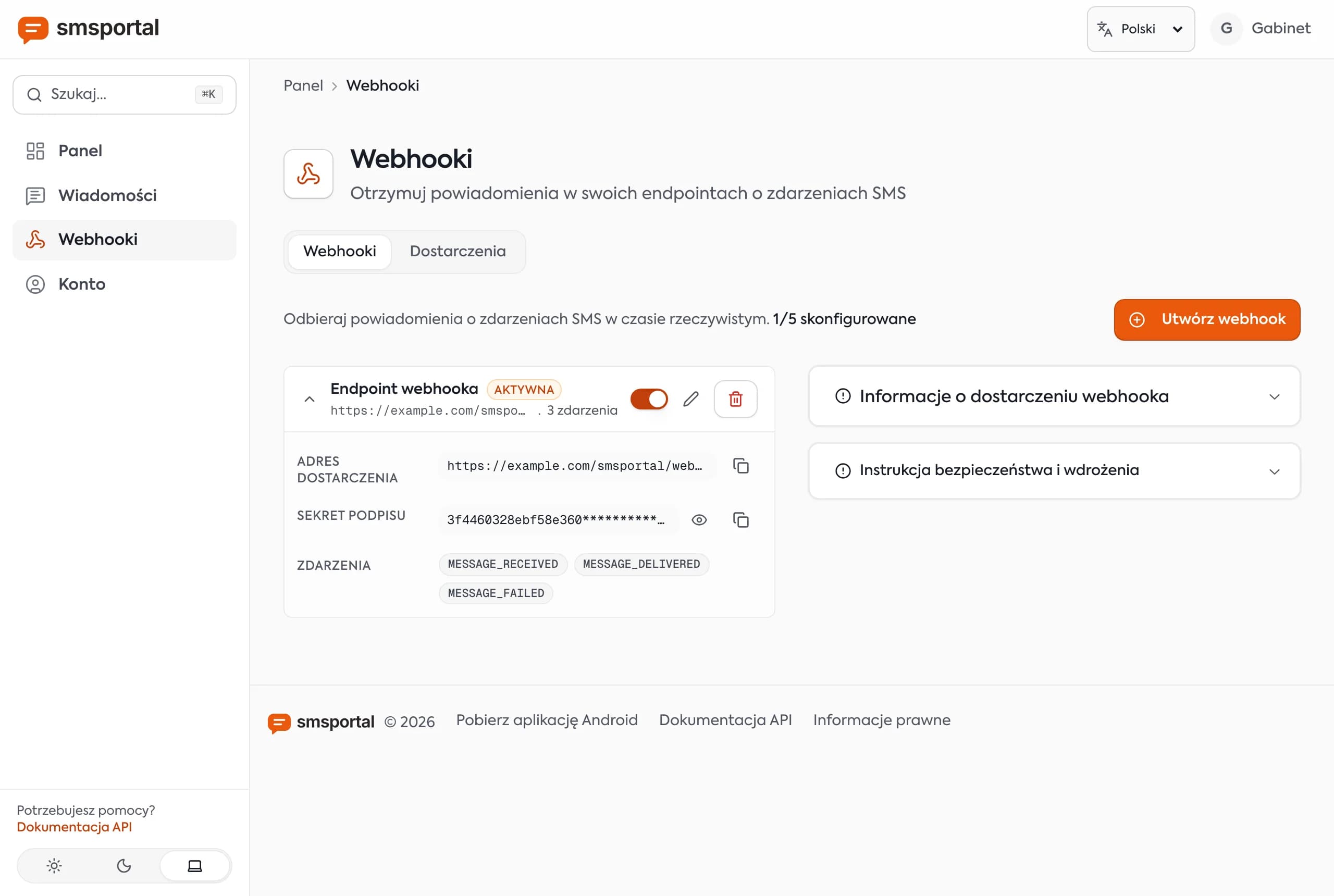
- smsportal posts a
MESSAGE_RECEIVEDevent to your HTTPS endpoint (fieldssender,message,receivedAt). - Your code finds the customer by
senderand updates the appointment.
A minimal Python (Flask) receiver that verifies the X-Signature header:
import hmac, hashlib, os
from flask import Flask, request, abort

app = Flask(__name__)
SECRET = os.environ["WEBHOOK_SECRET"].encode()

@app.post("/sms-webhook")
def sms_webhook():
    raw = request.get_data()
    expected = hmac.new(SECRET, raw, hashlib.sha256).hexdigest()
    if not hmac.compare_digest(expected, request.headers.get("X-Signature", "")):
        abort(401)

    event = request.get_json()
    if event["webhookEvent"] != "MESSAGE_RECEIVED":
        return "", 204

    phone = event["sender"]                  # e.g. +15551230100
    answer = event["message"].strip().upper()

    if answer in ("YES", "Y", "CONFIRM"):
        set_appointment_status(phone, "confirmed")
    elif answer in ("NO", "N", "CANCEL"):
        set_appointment_status(phone, "cancelled")
        offer_free_slot(phone)
    return "", 200
set_appointment_status and offer_free_slot are your own functions: a database write, a spreadsheet update or a calendar API call. Deduplicate by idempotencyKey, since failed deliveries are retried. The full pattern is in how to receive SMS with a webhook.
Note: people reply "yes", "Yes please", "ok" or "y". Normalize the text and handle a few variants. Route anything unrecognized to a human.
How do you schedule an SMS through the API?
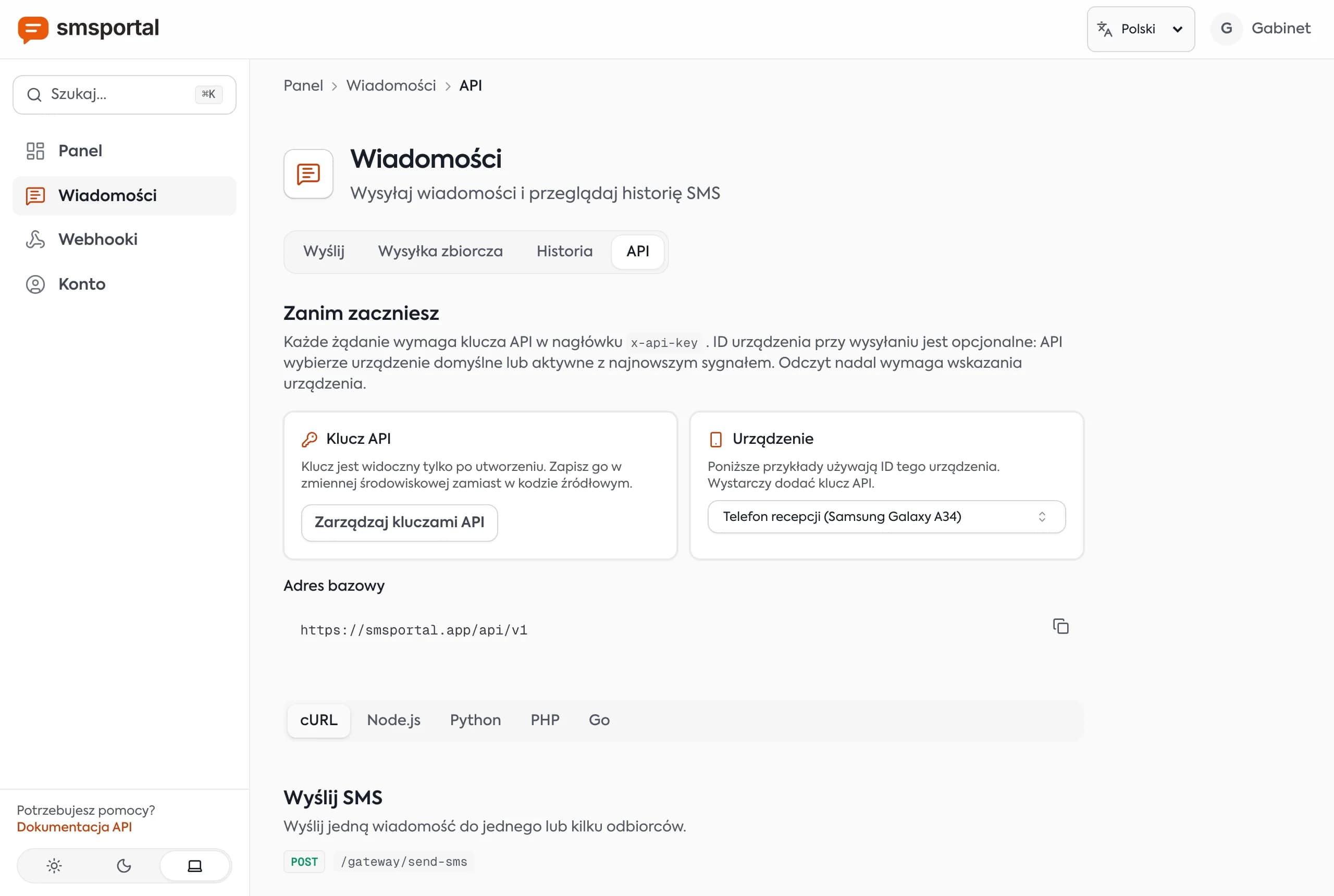
Add scheduledAt to the POST /gateway/send-sms request, set to a future ISO 8601 time. The server holds the message and dispatches it then, so you do not need your own job scheduler.
curl -X POST "https://smsportal.app/api/v1/gateway/send-sms" \
  -H "x-api-key: $SMSPORTAL_API_KEY" \
  -H "Content-Type: application/json" \
  -d '{
    "recipients": ["+15551230100"],
    "message": "Reminder: your appointment at Smile Dental is tomorrow, Oct 12 at 10:00. Reply YES to confirm or NO to cancel.",
    "scheduledAt": "2026-10-11T14:00:00Z"
  }'
Send the time in UTC (the trailing Z) or with an explicit offset. Compute the moment in your own time zone in code, so daylight saving changes do not shift it. Scheduling is available through the API, not in the dashboard's CSV form.
The phone must be on, online and in coverage when the message goes out. Queued messages wait up to 72 hours and then expire, so track MESSAGE_DELIVERED and MESSAGE_FAILED events. Tips for keeping the phone dependable are on the reliability page.
How do you automate reminders: Google Calendar, n8n or CSV?
Two simple routes, no custom app needed.
Google Calendar → n8n → API
- In n8n, add a Schedule trigger (daily at 6 PM) or a Google Calendar Trigger.
- Fetch tomorrow's events from the practice calendar. Keep the customer's number in the event description, for example a line
tel: +15551230100. - A Code node extracts the number and fills the template.
- An HTTP Request node posts to
/gateway/send-smswith thex-api-keyheader. - A second workflow with a Webhook node receives YES/NO replies and updates the event.
There is no native smsportal node in n8n; you use the plain HTTP Request and Webhook nodes. Step-by-step: n8n: send and receive SMS.
A CSV of tomorrow's appointments
If your booking system exports a list, upload it in the dashboard: Bulk send, map the phone column and write the text with variables, such as Hi {{ name }}, see you tomorrow at {{ time }}. Reply YES or NO. Each row gets its own message. Details in bulk SMS from a CSV file. The send starts as soon as you confirm, so run it at the right hour.
Three real-world scenarios
- Dental clinic. An old phone sits on a charger at reception. The day before each visit, template 1 goes out. A NO reply triggers an offer of the freed slot to the waiting list (template 7).
- Beauty salon. Each treatment takes an hour, so a no-show is real lost revenue. Template 4 goes out 48 hours ahead and template 5, with preparation instructions, the evening before.
- Car service. Template 8 reminds the customer about drop-off, and the mechanic triggers template 9 when the repair is done. The same API call also powers status notifications from your own code.
What to watch out for
- Keep it a service message. A reminder about a booked appointment is different from an ad. Do not add promotions. In the US, marketing texts raise carrier registration and consent questions covered in do you need 10DLC, and the FCC publishes the TCPA consumer rules. This is not legal advice.
- Honor opt-outs. If a customer replies STOP, add the number to a blocklist and stop texting.
- Keep health details out. SMS is not a confidential channel. Date, time and place are enough.
- The phone is the transmitter. It needs power, internet and relaxed battery optimization. The app's device health screen shows what to fix.
- Scale. Dozens of appointments a day is easy for one phone. For thousands a day, use several phones or a wholesale provider. See when a gateway is not the right fit.
Try appointment reminders from your own number
Install the Android app, link it to your account and send your first reminder in minutes. The plan to start is free (see pricing), and the API docs cover every field. New to the idea? Read what an Android SMS gateway is and how to send SMS through an API, then create an account.
Frequently asked questions
When should you send an appointment reminder text?
Usually 24 to 48 hours before the appointment. That leaves the customer time to cancel or reschedule and leaves you time to refill the slot. For appointments booked weeks ahead, add a short same-day message in the morning.
How many characters can an appointment reminder have?
One SMS holds 160 characters in GSM-7 encoding. A single character outside that set, such as an accented letter or an emoji, switches the whole message to UCS-2, which fits only 70 characters per segment. Longer texts are split and billed as several messages.
How does a customer confirm an appointment by SMS?
You ask for a reply such as YES or NO. The customer replies to your number, the reply reaches your server as a MESSAGE_RECEIVED webhook event, and your code updates the appointment status in your calendar or database.
Can I schedule an SMS for a specific time?
Yes, through the API. Add scheduledAt with a future ISO 8601 time to the send-sms request and the server dispatches the message then. The CSV bulk-send form in the dashboard sends right away and has no scheduling.
Do appointment reminders need opt-in consent?
A reminder about an appointment the customer booked is a service message, not marketing. Rules differ by country, and adding a promotion can turn it into marketing that needs explicit consent. Collect the phone number for this purpose, honor STOP replies, and check your local rules.