Android SMS Gateway Limits: How Many Texts Per Hour and When Not to Use One
How many SMS can an Android phone send per hour or day? Real limits from the phone, Android and carriers, plus when a wholesale SMS provider is the better choice.
Using a phone as an SMS gateway is simple, and that is why the limits deserve a straight answer. If you are asking how many SMS an Android phone can send per day, the honest answer is: as many as the phone, Android, your carrier and the recipients will tolerate. This article lays out the real limits, what can go wrong with a SIM card, and the cases where you should pick a wholesale provider instead.
How many SMS can an Android phone send per hour or day?
One phone sends one message at a time. With smsportal's default delay of 5 seconds, it sends about 12 per minute, around 720 per hour. There is no fixed daily cap in the product, but the practical ceiling is lower and set by outside factors.
The arithmetic:
| Delay between texts | Texts per minute | Texts per hour |
|---|---|---|
| 5 seconds (default) | 12 | 720 |
| 10 seconds | 6 | 360 |
| 30 seconds | 2 | 120 |
You can change the delay in the app settings. The server releases large sends in waves that match the delay. These are theoretical rates. Multi-part messages count as several SMS, so a long text with Polish or other non-GSM characters takes more segments (UCS-2 allows 70 characters per segment, GSM-7 allows 160).
Note: we deliberately do not promise a number. The real throughput depends on the phone, the signal, the carrier and the plan, and we cannot measure it for yours.
What limits does Android itself apply?
Android has a built-in safeguard against apps that send many texts without the user's consent. In the open-source telephony code (SmsUsageMonitor), DEFAULT_SMS_MAX_COUNT is 30 and DEFAULT_SMS_CHECK_PERIOD is 60,000 ms. That means an app without user permission can send 30 messages per minute. After that, the system asks the user to confirm further sending. The default SMS app is exempt.
Two points to keep in mind:
- Manufacturers and carriers can change these defaults, so the limit may differ from device to device. Older Android versions and some community write-ups describe a 30-minute window instead of one minute; the current AOSP source uses one minute.
- smsportal's 5-second default delay is about 12 messages per minute, well under 30 per minute. If you shorten the delay a lot, test on your device.
If the limit triggers, Android stops the app from sending until the user confirms. A gateway that nobody watches would just stall, so check the app's device health screen after you change speed settings.
Can your carrier block a SIM that sends automated texts?
Yes. Most carriers allow unlimited texting for personal use and reserve the right to restrict bulk, automated or unwanted traffic. A line that suddenly sends hundreds of near-identical messages can be throttled, filtered or suspended.
What is reasonable depends on the carrier and country, and policy language changes, so read the fair-use clause in your own plan instead of relying on a blog post. As a rule of thumb:
- Transactional and two-way texts to people who expect them (reminders, order updates, replies) look like normal use.
- Identical blasts to hundreds of recipients in a short time look like spam to carrier filters.
- Messages recipients report as spam can get a number flagged.
In the US, application-to-person traffic on ordinary 10-digit numbers falls under 10DLC registration rules, which exist to separate business messaging from person-to-person texting. Own-SIM gateways sit in a gray zone there, so we explain the detail in do you need 10DLC. This is not legal advice.
What happens when the phone is offline?
An offline phone sends nothing. Queued messages wait up to 72 hours and then expire. For one-time codes that is a problem, because a code that arrives a day late is useless.
The common causes are a dead battery, lost Wi-Fi, no cellular signal, a system update that reset permissions, and battery optimization that put the app to sleep. Fix them as follows:
- keep the phone on a charger,
- disable battery optimization for the app,
- watch the device status in the dashboard,
- give the code or the message its own short validity instead of relying on the queue.
The step-by-step habits are covered in use an old Android phone as an SMS gateway. The reliability page shows what the app monitors.
What features does an Android SMS gateway lack?
An own-SIM gateway sends plain SMS from your number. It does not offer an alphanumeric sender ID, MMS, RCS, WhatsApp or an iPhone gateway, and there is no native Zapier, Make or n8n app. You use HTTP and webhooks instead.
| Need | Own-SIM Android gateway | Wholesale provider |
|---|---|---|
| Brand name as sender | no | often yes, where the country allows it |
| Replies to your number | yes | on numbers, usually not on alphanumeric IDs |
| MMS | no | often yes |
| High volume per hour | limited by phones | designed for it |
| Multi-country reach | your SIM's network | yes |
| Cost at small volume | your plan plus a software fee | per-message fees |
When should you not use an Android SMS gateway?
Skip it when scale, brand identity or legal certainty matters more than your own number. In those cases a wholesale provider, with registered sender IDs and carrier relationships, is the safer tool.
Choose a wholesale provider for:
- Mass marketing. Thousands of promotional texts per hour need provider capacity and consented lists.
- Brand sender names. If the text must say "ACME" instead of a phone number.
- Many countries at once. One SIM covers one network.
- Business-critical alerts with strict delivery needs. A phone can fail for mundane reasons.
- Regulated campaigns that need registered sender and carrier approval.
Choose an own-SIM gateway for:
- appointment reminders where the patient replies,
- order and pickup notices,
- internal alerts and monitoring,
- developer projects and AI agents,
- low-to-medium volume where cost per message matters.
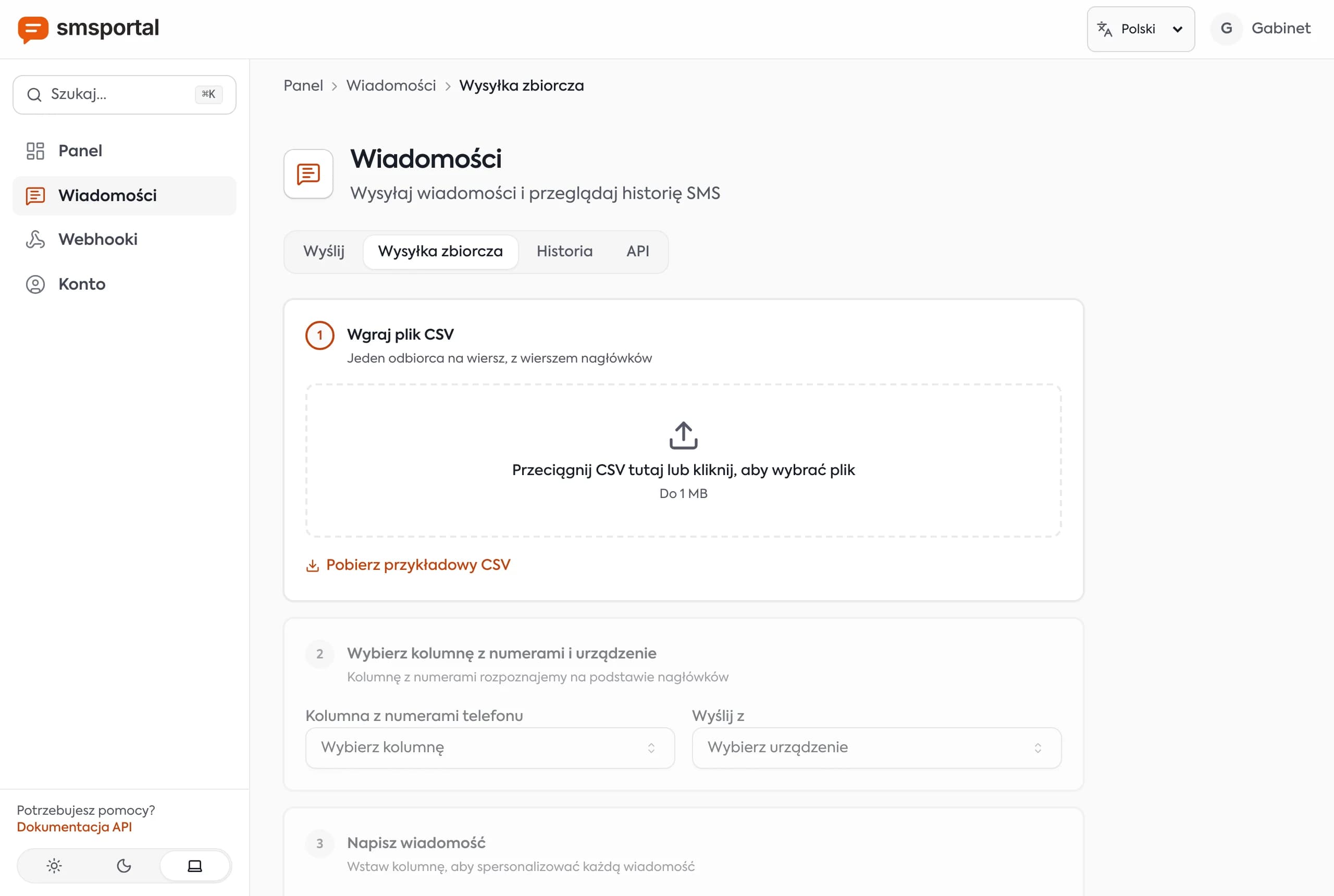
For a cost-based comparison, see Twilio alternatives for small volume. If you do need to send a list, bulk SMS from CSV shows how to pace it responsibly.
How do you stay within safe limits?
Send only wanted messages, keep a conservative pace, and add phones instead of pushing one hard. That protects both the SIM and your recipients.
- Keep the default delay or lengthen it for lists.
- Send to people who expect your texts and honor "STOP" requests.
- Vary and personalize content. CSV variables such as
{{ name }}help. - Add more phones for more volume instead of shortening the delay.
- Check delivery statuses and failures, not just the API response.
- Re-read your carrier's fair-use terms once a year.
Tip:
MESSAGE_FAILEDwebhooks include an error code and message. Alert yourself when failures spike. That is often the first sign of filtering.
Next step
If your use case fits the gateway profile, create a free smsportal account and test with your own number. For the full picture of what a gateway is, start with what an Android SMS gateway is, and see pricing when you need more than the free plan.
Frequently asked questions
How many SMS can an Android phone send per day?
There is no single official number. With smsportal's default 5-second delay between texts, one phone can send about 720 messages per hour in theory. In practice the limit comes from your carrier's terms, Android's own safeguards, spam filtering and the phone itself.
Can my SIM card get blocked for sending automated texts?
It can. Carriers may restrict or suspend lines that send bulk, automated or unsolicited messages, even on plans advertised as unlimited texting. Keep volume low, send only wanted messages, and read your plan's fair-use terms.
Does Android limit how many SMS an app can send?
Yes. In the AOSP source, apps that send SMS without user permission may send 30 messages per minute by default; beyond that the system asks the user to confirm. smsportal's default 5-second delay (about 12 per minute) stays well under that limit. Manufacturers can change the value.
Is an Android SMS gateway good for bulk marketing?
No. A single phone is slow and can trigger carrier filtering or suspension, and marketing texts need recipient consent. Use a wholesale provider with registered sender IDs for large campaigns.
How can I send more SMS with an Android gateway?
Spread the load over several phones, set a longer delay to look less bursty, and keep content relevant to people who expect it. Do not try to evade carrier controls, since that risks losing the SIM.
When should I not use an Android SMS gateway?
Skip it for mass marketing, for texts that must carry a brand sender name, for messages in many countries at once, and for flows where a single missed text has serious consequences. A wholesale provider fits those cases better.